Time with depth.
A new perspective with every glance.
A 3D illusion clock for iPhone and iPad.
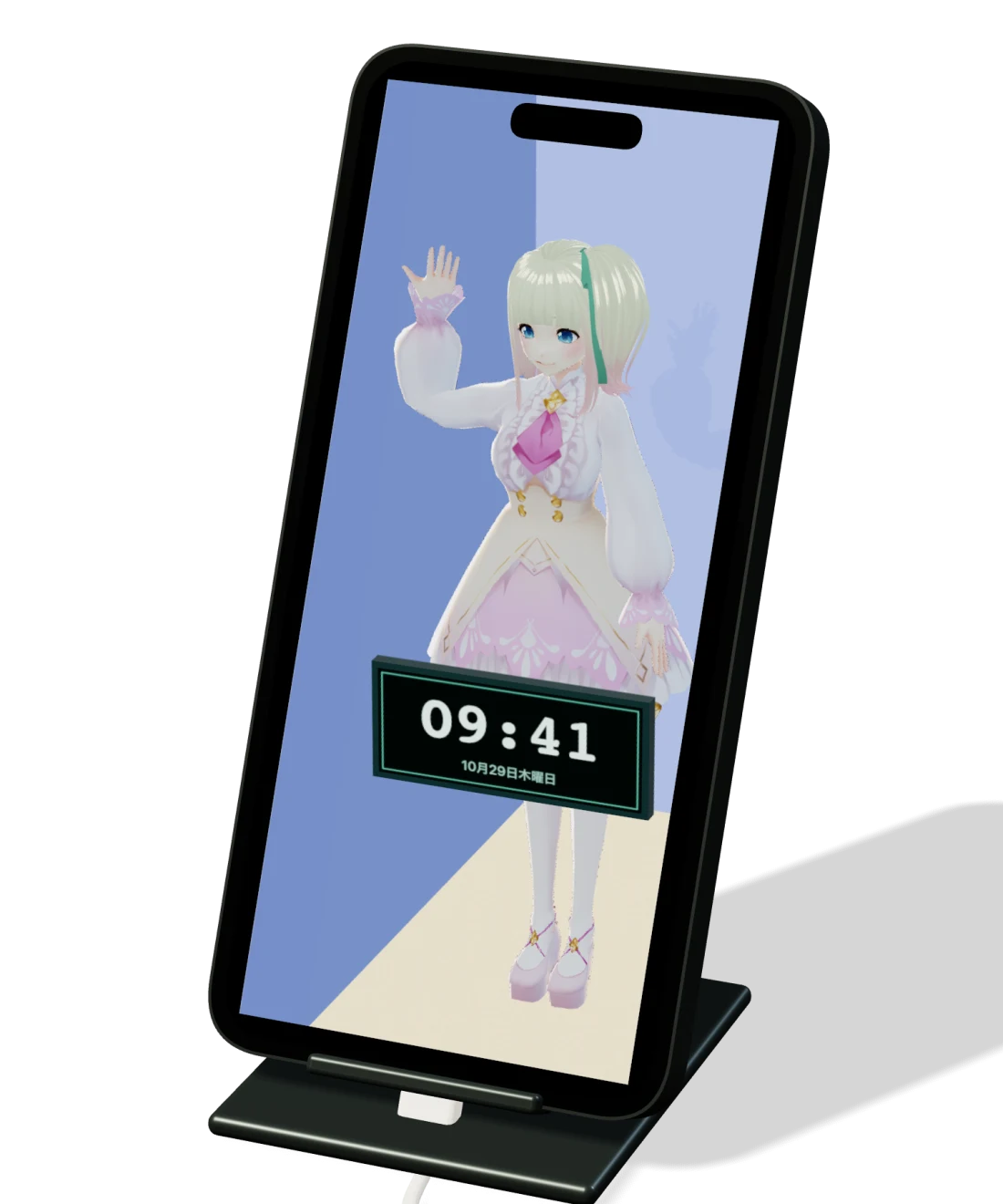
Setup illustration using the app renderer
Move a little.
See a little more.
The front camera locates your face and eyes.
The room is redrawn for your viewpoint.
Your screen becomes a little window.
Device and stand shown for illustration.
Try moving your viewpoint.
WEB SIMULATION · NO CAMERA ACCESS
Face tracking is optional. Camera images and face data are processed on your device. The illusion varies with your position and setup.
An illusion.
Built on geometry.
Trace a line from your eyes through the screen.
Project the room beyond onto that surface.
E: eye position · P: point in space · S: point on screen
Perspective projection with the screen at z = 0.
The app also accounts for viewing distance, physical screen size and device tilt. TrueDepth is used on supported devices. Adjust centering and depth to suit your own view.
Diagram simplified to explain the principle.Your time.
Your kind of clock.
Your clock. Your character.
A combination that belongs on your desk.
Walls. Floor. Light.
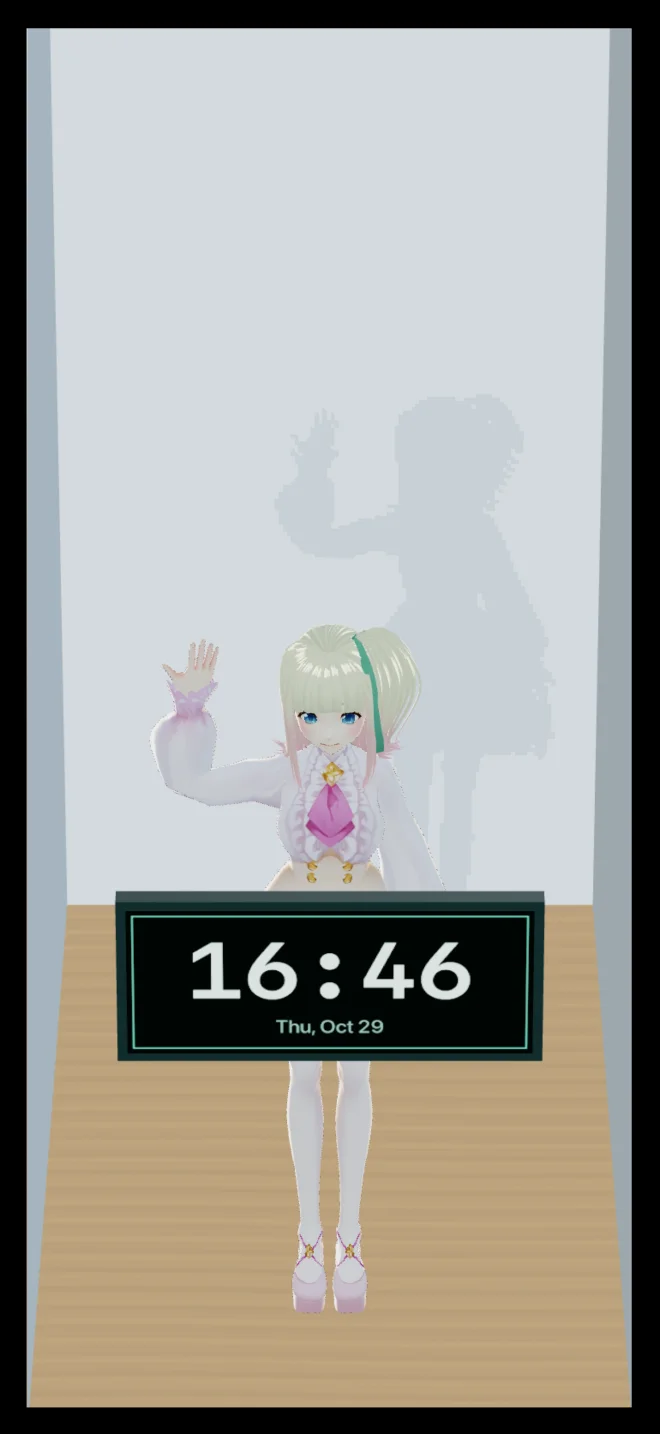
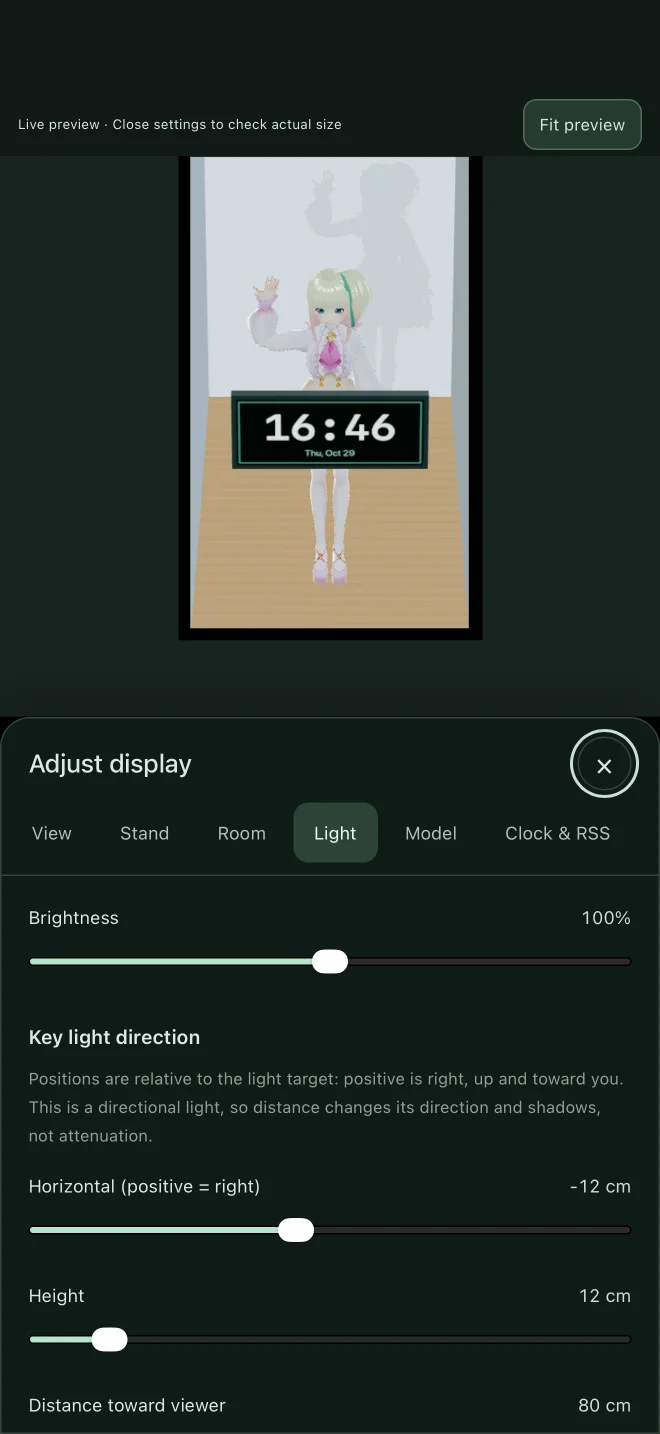
- Dress the room in your images.
Choose images for the background, side walls and floor. Adjust brightness and light position.
- Spend time with your favorite model.
Import GLB or VRM files. Three built-in characters are ready to join you.
- Headlines circle your character.
Add your own RSS or Atom URL. No news source is enabled by default.
Model files up to 50 MB. Some model features and configurations are unsupported.
Victoria & Vivi: VRoid Project (CC0)
Puka: Doui Lab / RIICHI ORBIT
Set it down.
Look again.
- 01
Place it on a stand.
Start at 60–75°, about 50–70 cm from your face.
- 02
Turn on face tracking.
Keep your face in view of the front camera.
- 03
Adjust as you look.
Fine-tune centering, distance and depth for your desk.
Portrait and landscape on iPhone and iPad. Stand not included.
3Duo Clock
iPhone・iPad
In App Store review
Free with ads
One-time Remove Ads purchase